
Work-order and operation tracking
Plan and track work by station, operator, shift, and operation against actual production data.
We build production software that compares plan with reality using timely data, supports operators, and helps teams act faster.
Discuss your production workflowAn MES must reflect how the factory actually operates. We connect critical information—from work orders and downtime reasons to quality records and traceability—at the point where it is created.
Plan and track work by station, operator, shift, and operation against actual production data.
Expose downtime reasons, cycle times, quantities, and the performance indicators that matter.
Link inspection results, nonconformities, lots, and serial numbers to production history.
Reliable data flows with ERP, machines, sensors, terminals, and operational systems where appropriate.
Example workflow
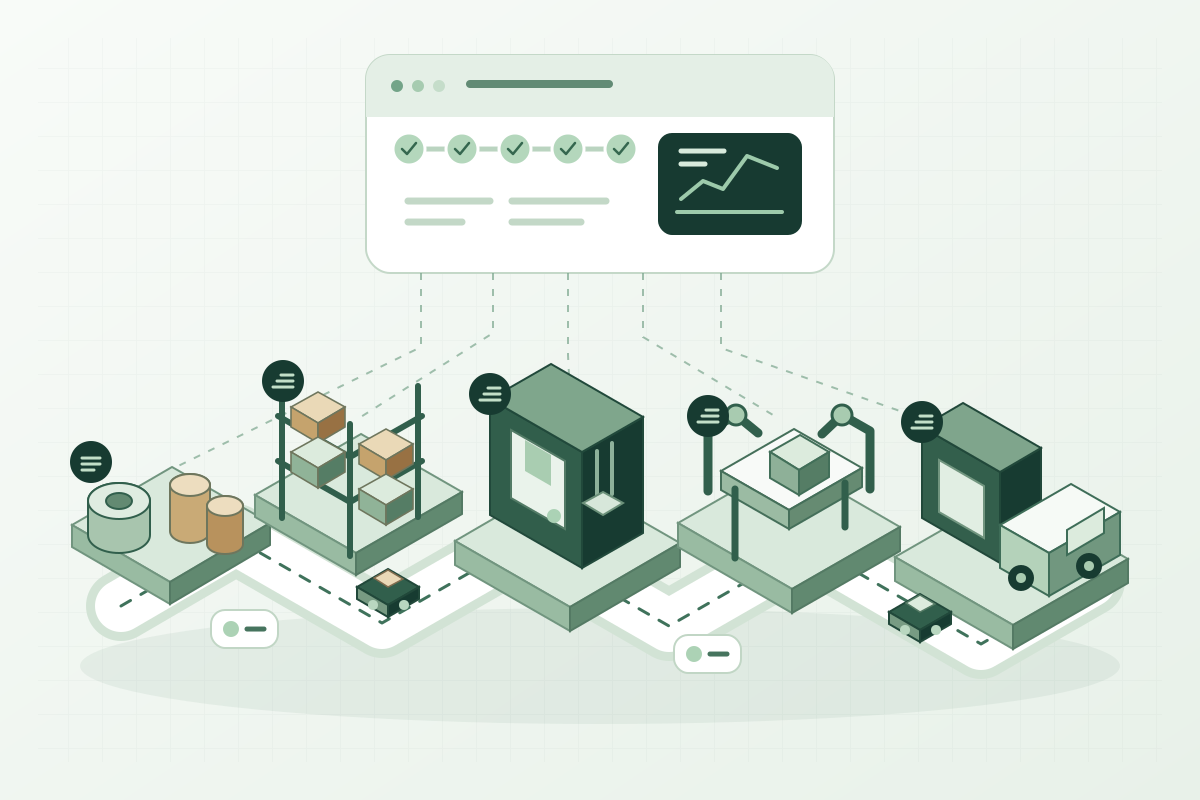
An example MES–ERP workflow for tracking planned work, consumed materials, and actual production on a manufacturing line.
Product, quantity, operation, and material requirements come from the ERP or are created through the agreed planning workflow.
Operator input or suitable machine connections record production, consumption, downtime, and quality information.
Records are validated before production and material movements are transferred according to ERP rules. Failed records remain visible for review.
Through shop-floor observation and process analysis, we identify data sources, operator touchpoints, and key measures. A controlled pilot validates the solution before broader rollout.
Tracking production and material movements differs from collecting quality data in the field. These two studies show our team’s experience in operational visibility and data capture.
An MES platform developed end to end by our team and used for real factory production tracking. It brings production and material flow into a shared operational view.

A system developed end to end by our team and used in daily field quality operations. It connects mobile inspection records and web reporting in a shared data flow.
Descriptions are generalized to illustrate our capabilities without identifying organizations or products.
Yes. Based on the ERP's integration options, we can design controlled one-way or two-way flows for work orders, materials, production confirmations, quality, and inventory movements.
Where protocols, controls, and network conditions allow, machine data can be collected. During discovery we assess direct connections, middleware, and operator input as appropriate options.
A line, cell, or operation can be selected with clear data requirements and acceptance criteria. Data quality, machine connectivity, and operator use are assessed within that pilot. The results guide expansion to other areas without requiring the entire factory to change at once.
We agree which system creates work orders, owns stock and material information, and receives production results. The aim is to avoid independent changes to the same record in both systems. Data ownership and failure handling are part of integration scope before screens are built.
Share the operation you want to track, your ERP, and how shop-floor data is collected today. We can identify an initial implementation area together.