
SaaS products and customer portals
Web platforms with accounts, membership, customer access, and product-specific business rules.
We build browser-based products for customers, teams, and business partners. From customer portals to operations dashboards, we turn business rules into clear interfaces and workflows supported by reliable services.
Discuss your web projectUser roles, data models, and daily workflows define a web application's scope. For a new SaaS product, we focus on the first usable release; for an existing business, on the process that needs improvement. Interfaces, APIs, databases, and integrations are designed together.
Web platforms with accounts, membership, customer access, and product-specific business rules.
Role-based access, approvals, record management, and reporting in a shared interface.
Services that connect web applications to mobile products, ERP, accounting, and other business systems.
Incremental improvements based on user experience, performance, and maintenance needs.
Example workflow
Consider moving a service request process out of email and spreadsheets into a shared web application.
The customer signs in and supplies the required information and files. Forms reflect the type of request.
The responsible team reviews the record, asks for missing information, and moves it forward according to its permissions.
Customers can see progress while the team follows ownership, outstanding work, and the history of each action.
We start with users and the tasks they need to complete. After validating screen flows and the data model, we define the first release and work through development, testing, and launch in manageable steps.
Our CRM and support platform studies show how web interfaces, business rules, access control, and reporting fit into a shared product.
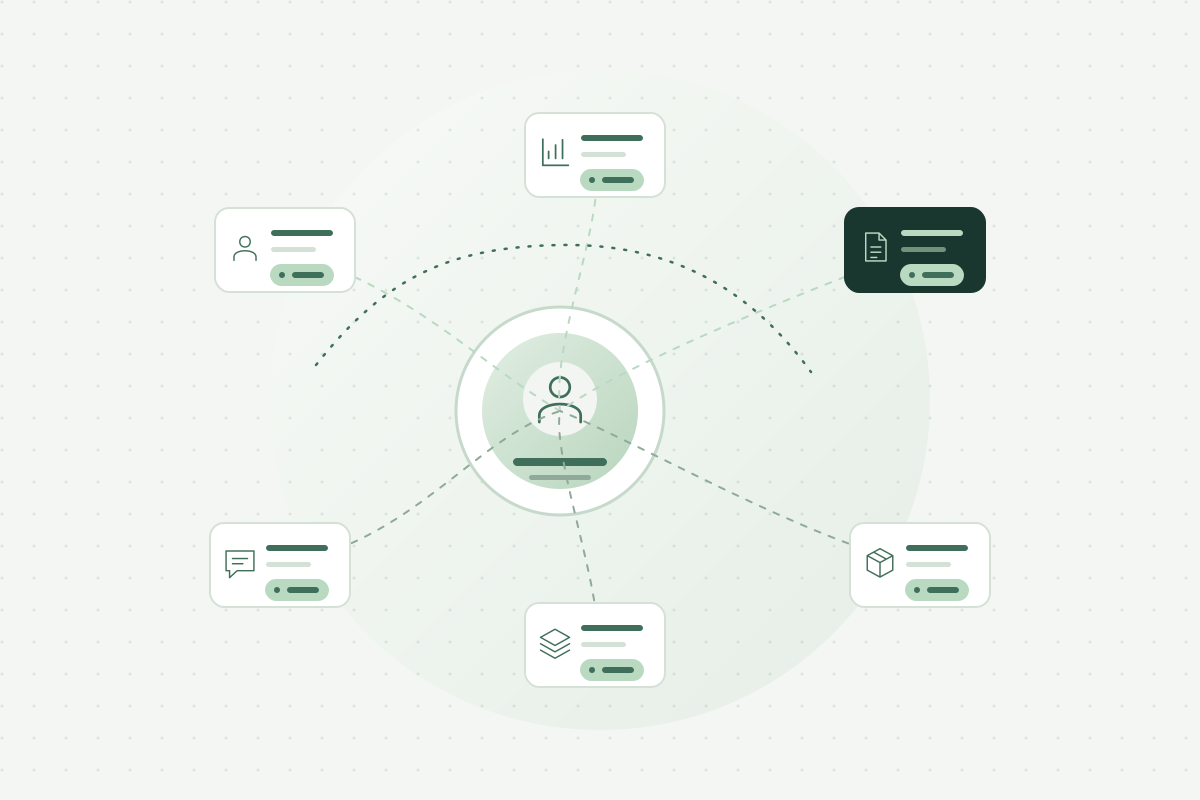
A CRM platform developed end to end by our team and used in daily sales operations. Customer, product, pricing, proposal, and order workflows are connected in one system.
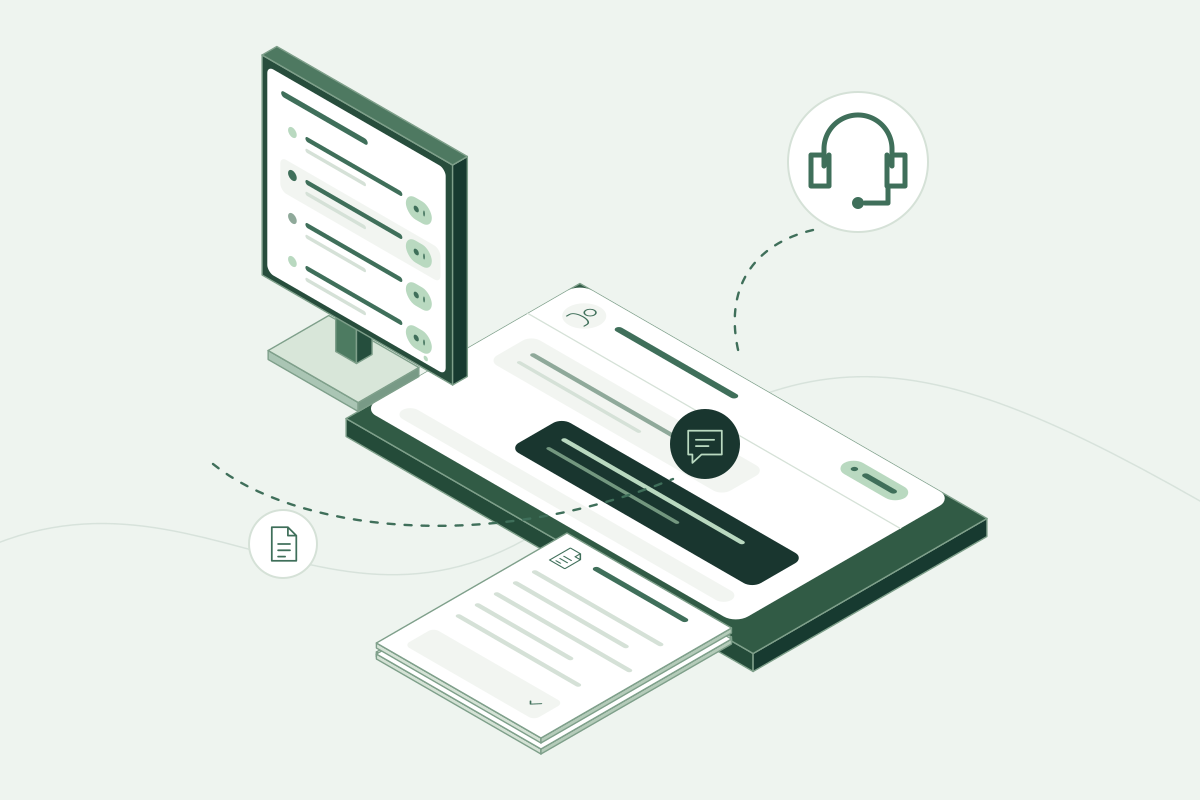
A platform developed end to end by our team and used in daily support operations. It brings support requests, live communication, and product knowledge into a shared portal.
Descriptions are generalized to illustrate our capabilities without identifying organizations or products.
A presentation website primarily provides information. A web application handles tasks such as signing in, entering data, approving requests, ordering, or reporting. We plan around those tasks, user roles, and integrations.
Yes. Together we select the essential workflows for early users and define account and administration needs. The initial scope allows the product to evolve with user feedback.
We assess the existing system's APIs and data access options before designing the integration. Data mapping, access control, and error handling are scoped during technical discovery.
User roles, screens, business rules, integrations, and data migration all affect the scope. Once these are understood, we can prepare a delivery plan and proposal for the first release.
We first review the codebase, data model, dependencies, and deployment environment. That assessment helps identify whether to extend the product, replace individual modules, or plan an incremental transition. Maintenance and testing needs are considered alongside new features.
Tell us who will use it, the tasks they need to complete, and the systems it must connect to. We can then define the screens and release scope together.