
Order and inventory flows
Consistent exchange of order, product, variant, warehouse, stock, and fulfilment data.
We connect accounting, ERP, commerce, and operational applications through controlled integrations that reduce duplicate entry and broken processes.
Discuss your integration needsIntegration is more than moving data between two systems. We design mappings, business rules, error handling, retries, security, and reconciliation together to create a maintainable flow.
Consistent exchange of order, product, variant, warehouse, stock, and fulfilment data.
Controlled synchronisation of customer, supplier, invoice, collection, and payment records.
Secure services that bridge systems with different speeds, data models, and integration constraints.
Logs, alerts, retries, and validation controls that make failed operations visible and manageable.
Example workflow
Keeping an order consistent across systems requires field mapping, data ownership, and failure handling to be designed together.
Customer, product, tax, and order fields are mapped. The authoritative source for each piece of information is agreed.
Records are validated against business rules and sent to the target system, with repeated submissions handled to prevent duplicate records.
Failed records show the reason for failure. Controlled retries and comparisons between systems help track missing transactions.
We analyse source and target data models, API constraints, and business rules. After validation with representative data, rollout is designed to be traceable, reversible, and incremental.
An integration depends on the business data it carries. Our MES and CRM studies show the context behind material, production, pricing, and order data. Compatibility with a specific ERP or accounting product is assessed during technical discovery.
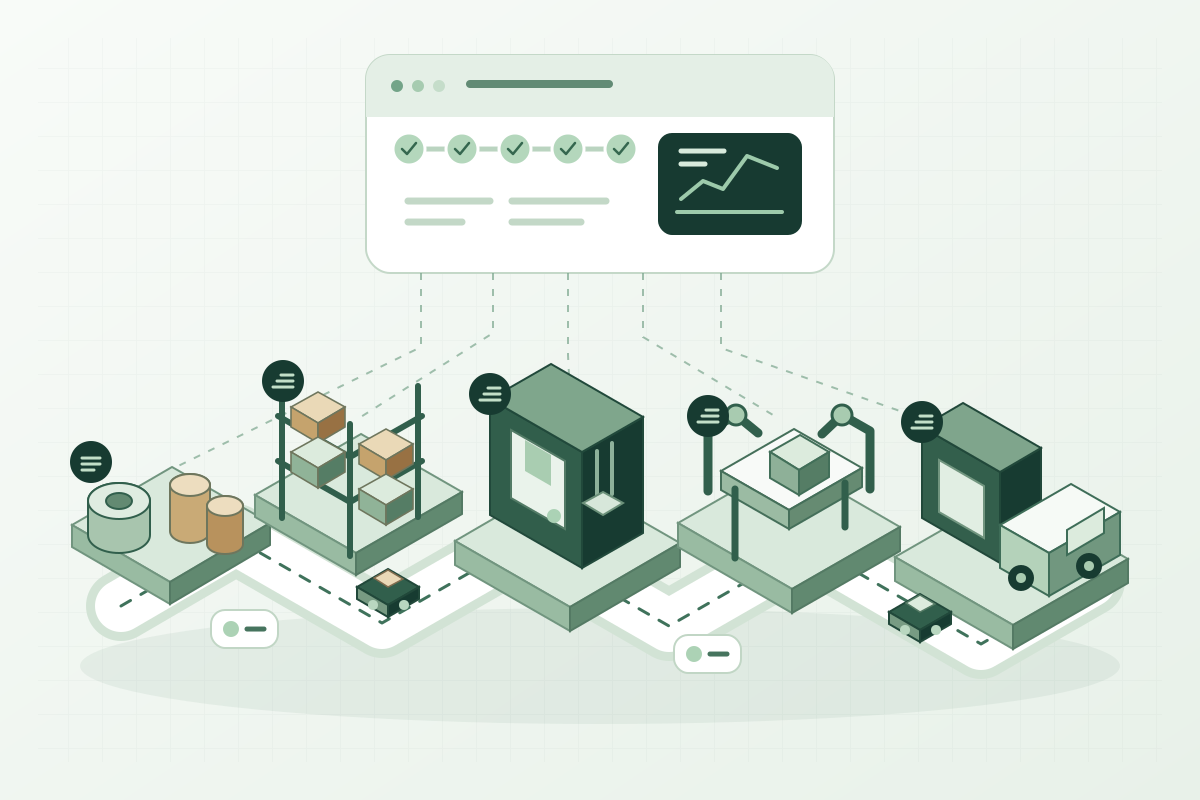
An MES platform developed end to end by our team and used for real factory production tracking. It brings production and material flow into a shared operational view.
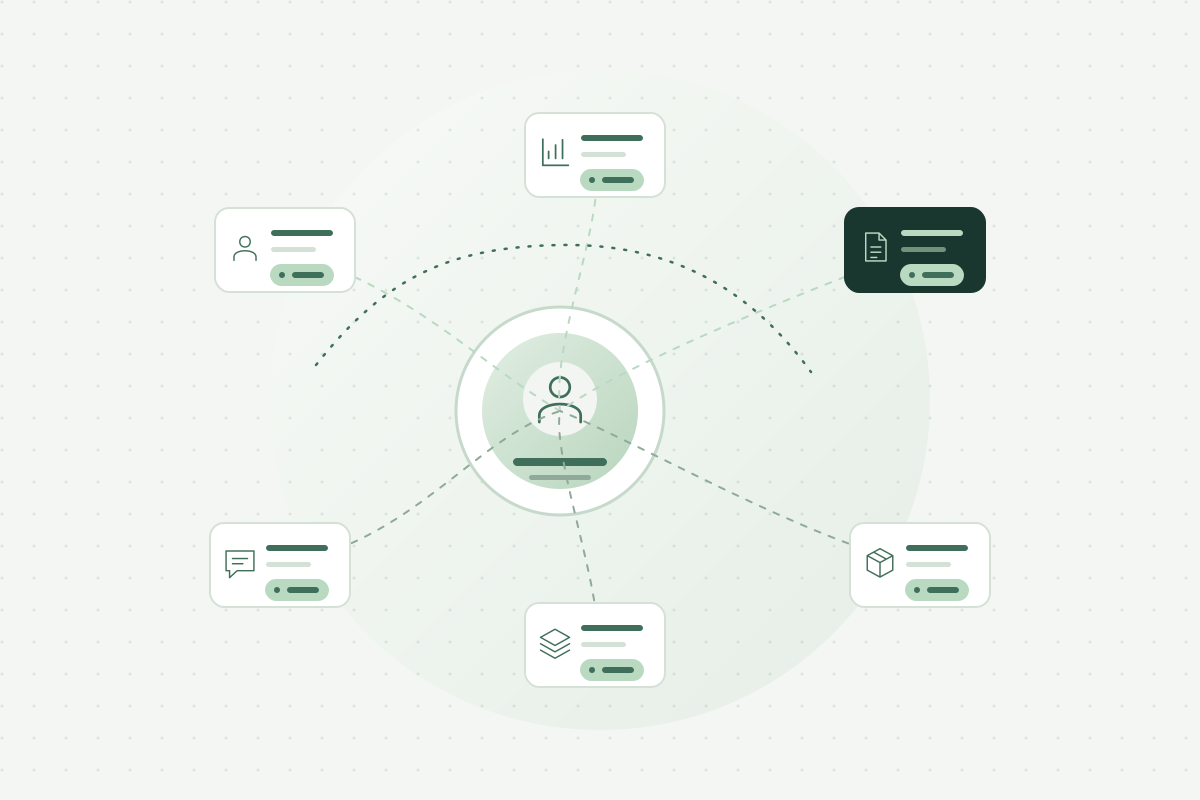
A CRM platform developed end to end by our team and used in daily sales operations. Customer, product, pricing, proposal, and order workflows are connected in one system.
Descriptions are generalized to illustrate our capabilities without identifying organizations or products.
We are not limited to named vendors. We evaluate the available API, web-service, file-transfer, or secure data-access options and select a technically appropriate approach.
File exchange, scheduled transfers, or controlled middleware may be possible. We assess the options carefully and avoid approaches that compromise security or data integrity.
We design flows with transaction records, validation, retry, and reconciliation mechanisms so failed operations remain visible and can be handled safely.
That depends on how current the data must be, API limits, and transaction volume. Stock or orders may need frequent updates while some reporting can use periodic transfers. Delay tolerance, failure handling, and monitoring are defined for each data flow.
Where technical access permits, integration flows can be designed for multiple systems. Ownership of customer, product, order, production, and stock data is defined to prevent conflicting updates from different sources. The scope of each connection is validated during technical discovery.
Share the source and target systems, records to exchange, required update frequency, and problems with the current transfer process.