
Operational applications
Efficient interfaces for intensive data entry, work orders, planning, control, and expert-user workflows.
We build dependable Windows and Linux solutions for operations that require hardware access, local data, offline use, or substantial processing power.
Discuss your desktop projectDesktop software demands attention to the full lifecycle—from installation and updates to performance and data security. We design around your device landscape and existing systems.
Efficient interfaces for intensive data entry, work orders, planning, control, and expert-user workflows.
Integration of existing devices, sensors, readers, printers, and machines through suitable protocols and drivers.
Secure local data and controlled synchronisation for environments with limited connectivity.
Packaging, configuration, versioning, and update processes appropriate for enterprise environments.
Example workflow
An example scope for work that needs device access or substantial computation on a Windows or Linux workstation.
The user opens a file or work order. Required device, driver, and operating system conditions are checked.
Processing runs on the workstation, with local storage, performance, and operation during connection loss considered.
Results connect to central systems through suitable APIs. Installation, version transitions, and updates are planned.
We assess target operating systems, devices, data volume, and distribution conditions. Critical technical assumptions are validated early before development proceeds in testable modules.
Desktop engineering products need licensing and distribution workflows alongside geometry and manufacturing preparation. Our CAD/CAM and licensing studies illustrate the team’s experience across these product needs.
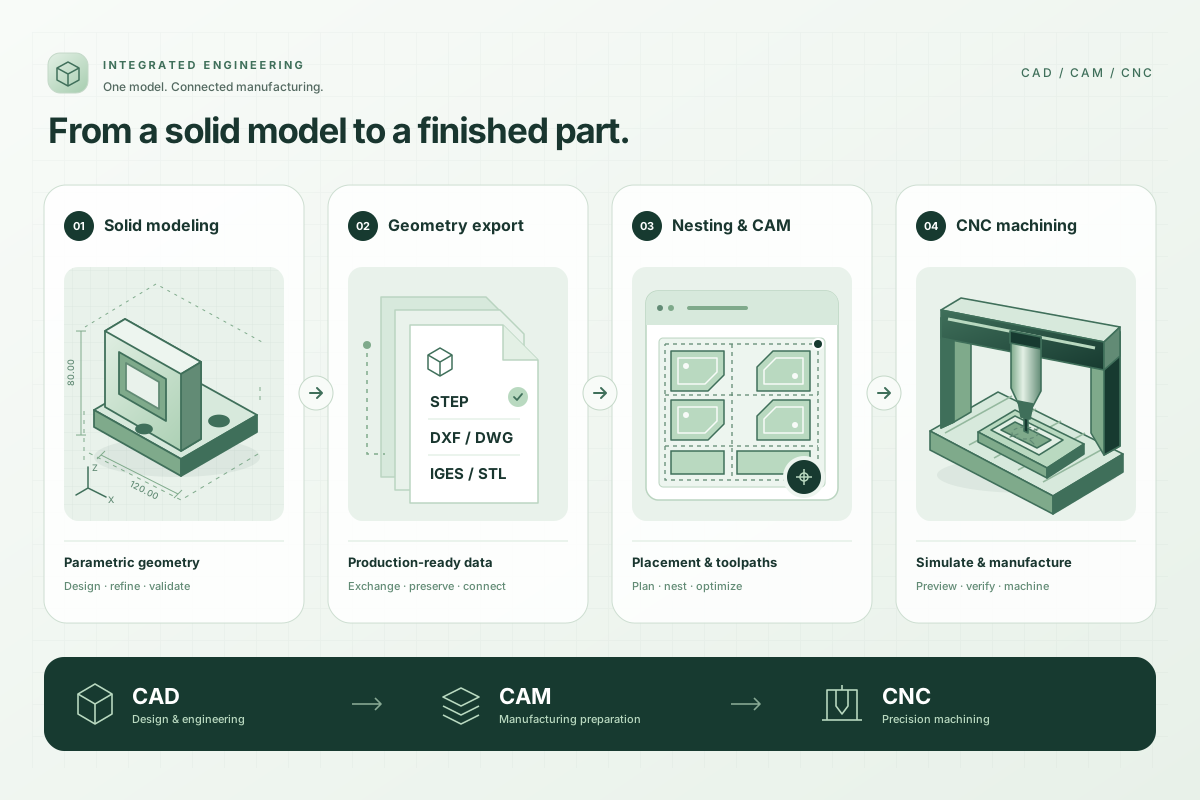
CAD and CAM applications developed end to end by our team and used in real production. A connected workflow from design data to manufacturing preparation and CNC output.
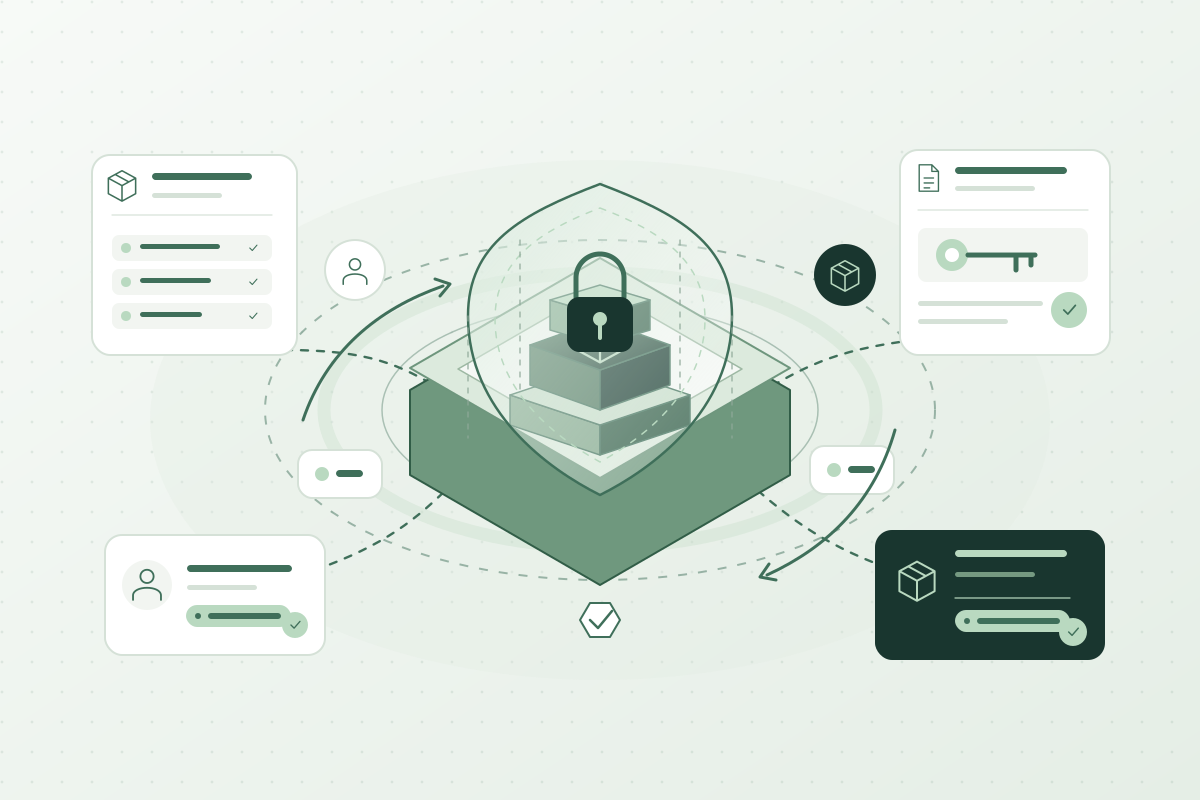
A platform developed end to end by our team and used in daily licensing operations. It centrally manages software entitlements, device activations, and renewals.
Descriptions are generalized to illustrate our capabilities without identifying organizations or products.
Depending on the business need and chosen technology, we develop for Windows and Linux. Supported versions are agreed at the start against the organisation's device inventory.
Yes. After reviewing the codebase, data, dependencies, and business criticality, we assess incremental modernisation, redevelopment, or hybrid transition options.
Yes. Hybrid architectures can use secure APIs for authentication, data synchronisation, central administration, and reporting.
Product entitlements, activation, version compatibility, and distribution channels are considered within project scope. An internal application has different needs from a product distributed to customers. Central APIs, local operation, and update conditions are defined around the selected architecture.
Share the target Windows or Linux environment, devices, file types, and limitations of any existing application.